Real estate software. Easily coordinate every property across all your platforms.
Update each property once: prices, photos and availability across your website and connected portals. Bring enquiries, viewings and next steps into one flow.
Contact us
The same property should not have five versions.
When prices, photos or availability change and each channel shows something different, enquiries no longer match the property. We organise one main record per property and connect the channels you use.
Where does your agency get stuck today?
Outdated listings, scattered enquiries, viewings without follow-up or systems that do not share data. We address each problem with tools that fit the way your team works.
Different prices and availability on each portal
Use one main record per property and update connected websites and portals without entering the same data again.
Explore Contacts and viewingsEnquiries without a property, owner or next step
Bring website and portal enquiries into a CRM, linked to the property and each client’s history.
Explore Tasks and alertsViewings and follow-ups left to memory
Set up alerts, tasks and reminders to respond on time and keep each opportunity moving.
Explore Connected systemsCRM, websites and portals that do not share data
We connect the tools you already use and define what information needs to move between them.
ExploreAn enquiry linked to its property and its next step.
When an enquiry arrives from your website or a portal, the team needs to see which property it concerns, who will respond and what happens next.
- Property details, price and status kept current
- Contact and property in the same view
- Viewing and next contact assigned
First, we find where time or information gets lost.
We review your listings, portal publishing and the journey of each enquiry. Then we adapt the software and connect what helps your team.
Let’s talk- 01
Find duplicate listings, manual updates and enquiries without follow-up.
- 02
Design a clear flow for properties, contacts, viewings and ownership.
- 03
Connect and test changes with real properties and cases from your team.
Answers before you change tools
Guides on property data, choosing a CRM and following up on enquiries to support better decisions.
How to choose a real estate CRM with your team in mind
A practical guide to comparing real estate CRMs by workflow, data, adoption and integrations.
Explore Guide / Sales management
Real estate sales forecasting: from CRM to completion
Build a real estate sales forecast with verifiable stages, dates and owners. Avoid duplicate transactions and distinguish expectations from completed deals.
Explore Guide / Listings
Changing a property price: from CRM to listing portals
Manage price changes with approval, history and checks for each portal. Prevent outdated listings and contradictory responses from your sales team.
Explore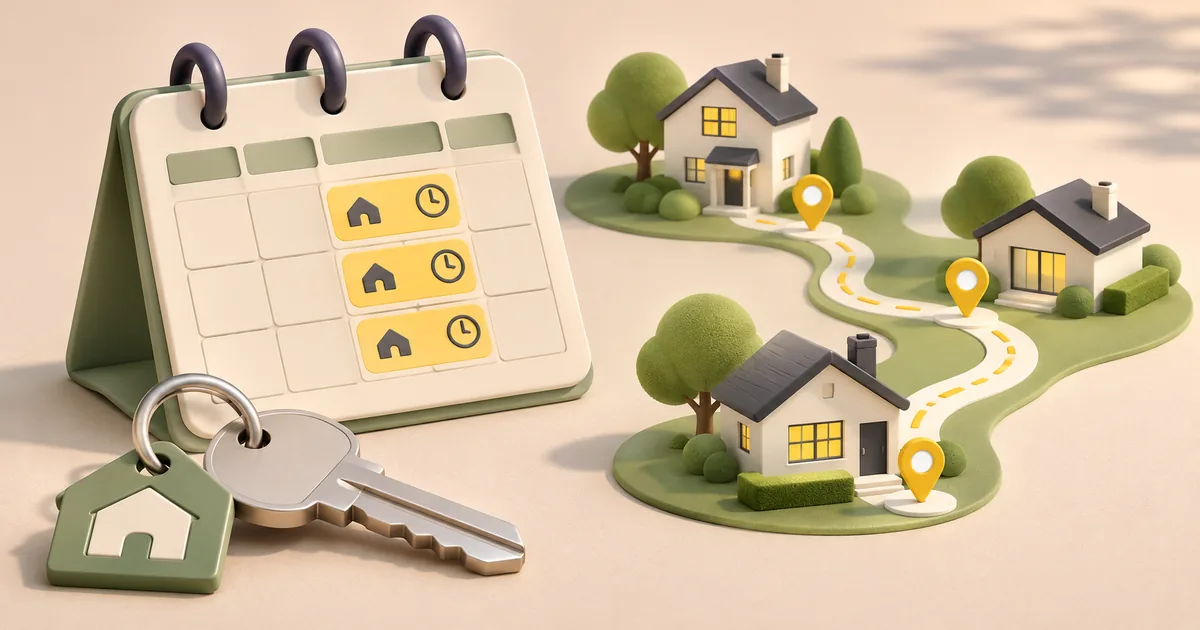 Guide / Viewings
Rental viewings in your CRM: prevent clashes and empty slots
Organise rental viewings with availability, confirmations and a waiting list in your CRM. Coordinate agents, properties and cancellations without duplicate bookings.
Explore Guide / Seller acquisition
Seller acquisition with a real estate CRM: from enquiry to instruction
Organise seller acquisition with clear stages, owners and next actions, from an owner’s enquiry to a property ready for marketing.
Explore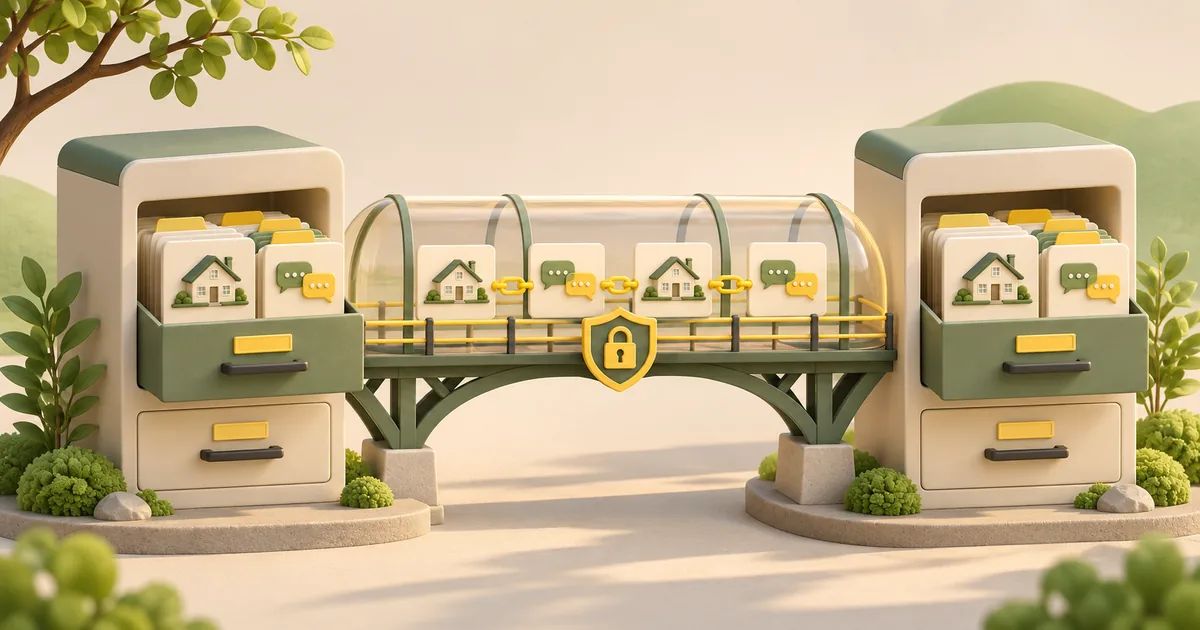 Article / CRM
Migrate a real estate CRM without losing sales history
Plan the transfer of contacts, properties, opportunities and next actions, verify their relationships and organise the system switchover.
Explore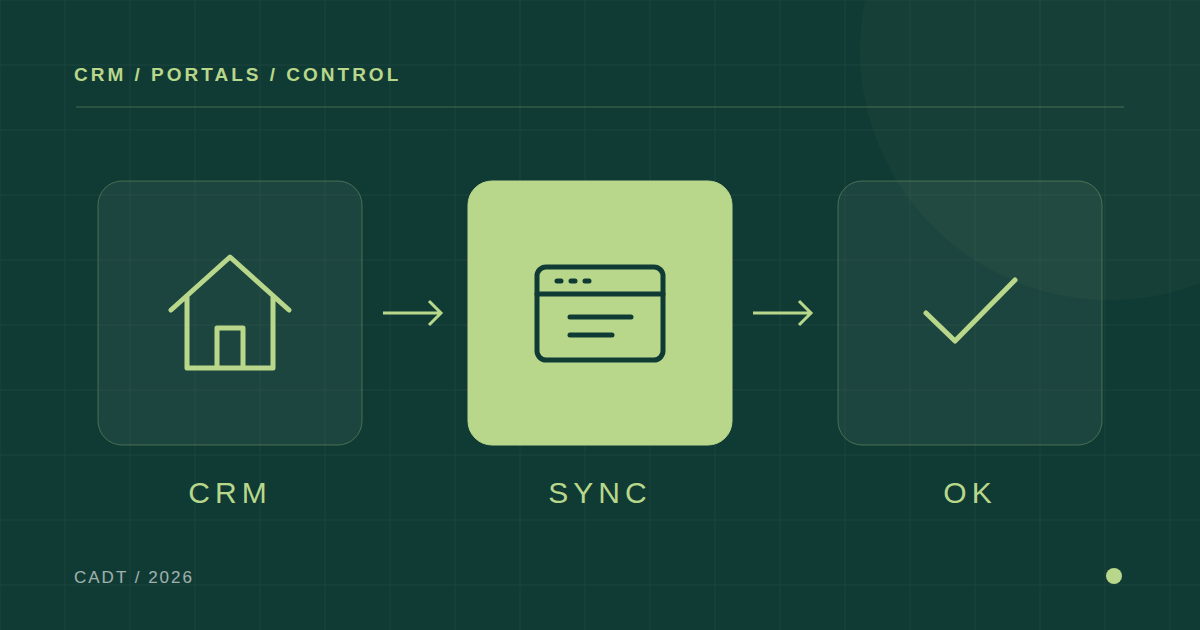 Article / Integrations
Duplicate property listings: how to control CRM and portal updates
Separate duplicate CRM records from other agencies’ adverts. Control property prices, withdrawals and safe retries across your CRM and listing portals.
Explore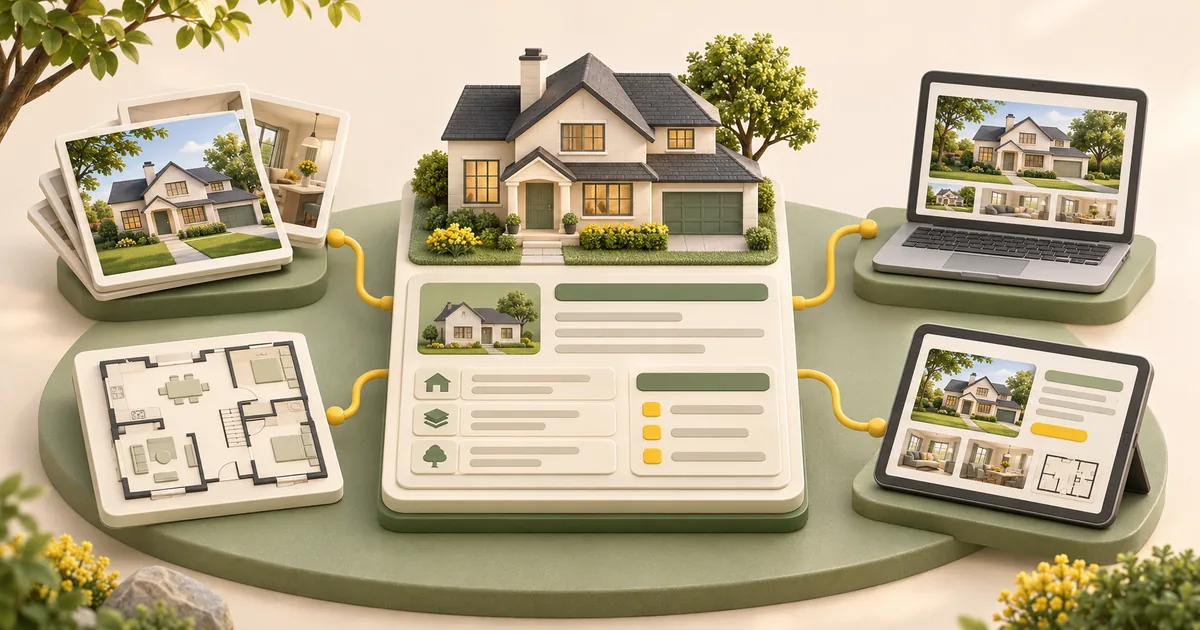 Article / Processes
One record per property: the starting point for a reliable portfolio
What changes when your team works from a master record and manages publication from it.
Explore Article / Sales management
Real estate lead follow-up: from first message to next step
A simple process so each enquiry has context, an owner and an agreed action.
ExploreAre your properties and contacts spread across tools?
Tell us which portals, website and CRM you use. We will find where work is repeated or information gets lost and suggest where to start.