Two problems that need different responses
A duplicate may mean the same property entered twice in your CRM or an advert placed by another agency. The first needs stable identifiers and a controlled publishing workflow; the second needs a review of the information and your commercial mandate. Do not delete a record solely because the address matches. A building can contain similar units, and a property may be offered for both sale and rent.
What the portal’s duplicate checker contributes
idealista/tools documentation updated in April 2026 describes a service that identifies other agencies’ or owners’ adverts and tracks price changes and deactivations. This external information does not replace checks on your own CRM submissions. Confirm availability, scope and permissions with the provider. A detected match is a reason to investigate, not automatic permission to change a price or remove a record.
Map the CRM reference to the portal advert
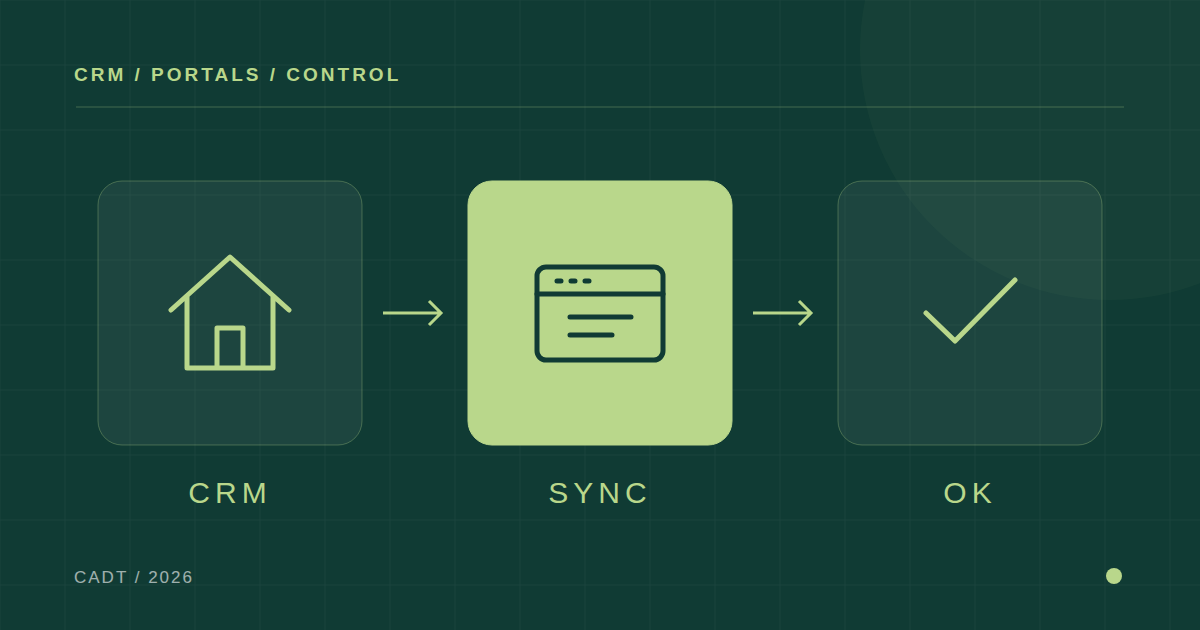
Give each property a stable internal identifier. For each portal, retain the external reference, status, last synchronisation time and latest response. Keep the property distinct from the commercial transaction. When price or photographs change, update the linked advert rather than create another listing. Changing the reference to start again can break tracking and make old adverts difficult to withdraw.
Diagnose a price that has not updated
First establish which system holds the authorised price. Then check whether the CRM generated the change, whether the connector accepted it and whether the portal replied. Finally, open the public advert and compare price, status and date. If the CRM says “sent” but the portal still shows the previous price, log the issue with both references. Repeatedly creating new listings can multiply the problem.
Test withdrawals before automating more listings
Use a fictional property in a provider-supported test environment. Verify creation, price changes, reservation, withdrawal and reactivation according to the functions actually available. Define who authorises each transition. A withdrawal needs evidence from the portal and a public check where appropriate. Disabling a record inside the CRM does not establish that every associated advert has been removed.
Make retries update rather than duplicate
Suppose a portal accepts a submission but its response never reaches the CRM. Before creating the advert again, the connector should look up the stable reference or recover the outcome of the operation. This depends on the provider’s interface; guarantees differ. Make it a testable integration requirement and include delayed responses and updates arriving out of order in the acceptance tests.
A weekly review that helps the team
Review active adverts without a current CRM record, withdrawn properties still advertised, mismatched prices and repeated integration errors. Assign an owner and retain the portal response. Measure unresolved issues and resolution time; submission volume does not demonstrate quality. Begin with ten representative properties and expand automation once every change can be traced from authorisation to the visible advert.
What to ask before commissioning an integration
Request a written list of supported portals, transaction types, synchronised fields, image requirements, update frequency and error handling. Ask what happens when switching CRM and how external references are recovered. CADT can help review this journey and identify where it breaks. The aim is for the team to know what is published and correct it without rebuilding the portfolio manually.